
🎛️ Controls
In addition to the Device menu and the individual channel pages, CoolerControl provides a global Controls page that lists all controllable channels in one place (fans, pumps, LEDs, LCDs, etc.). Use it for a quick overview and a central place to jump into configuration.
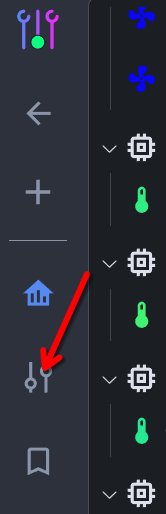
Click the Controls button to open the page:
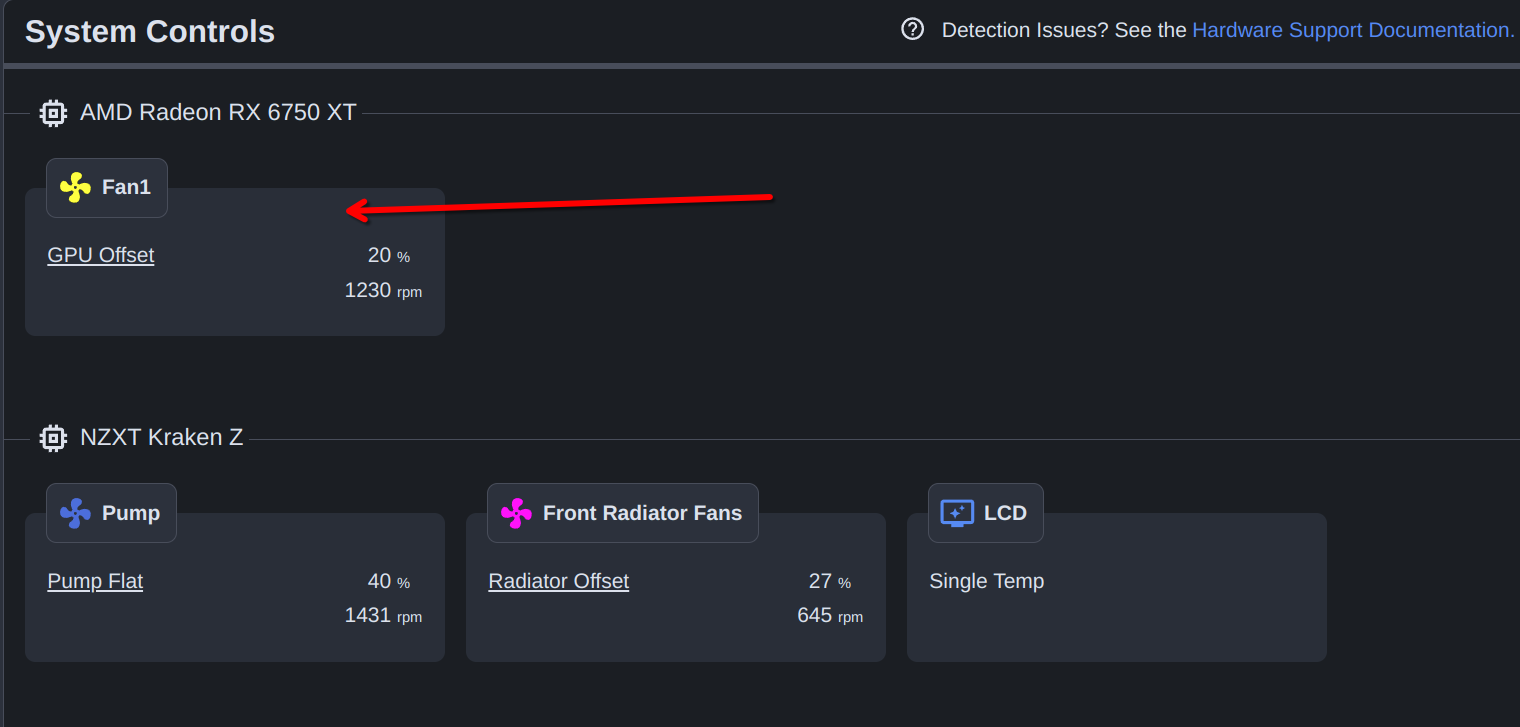
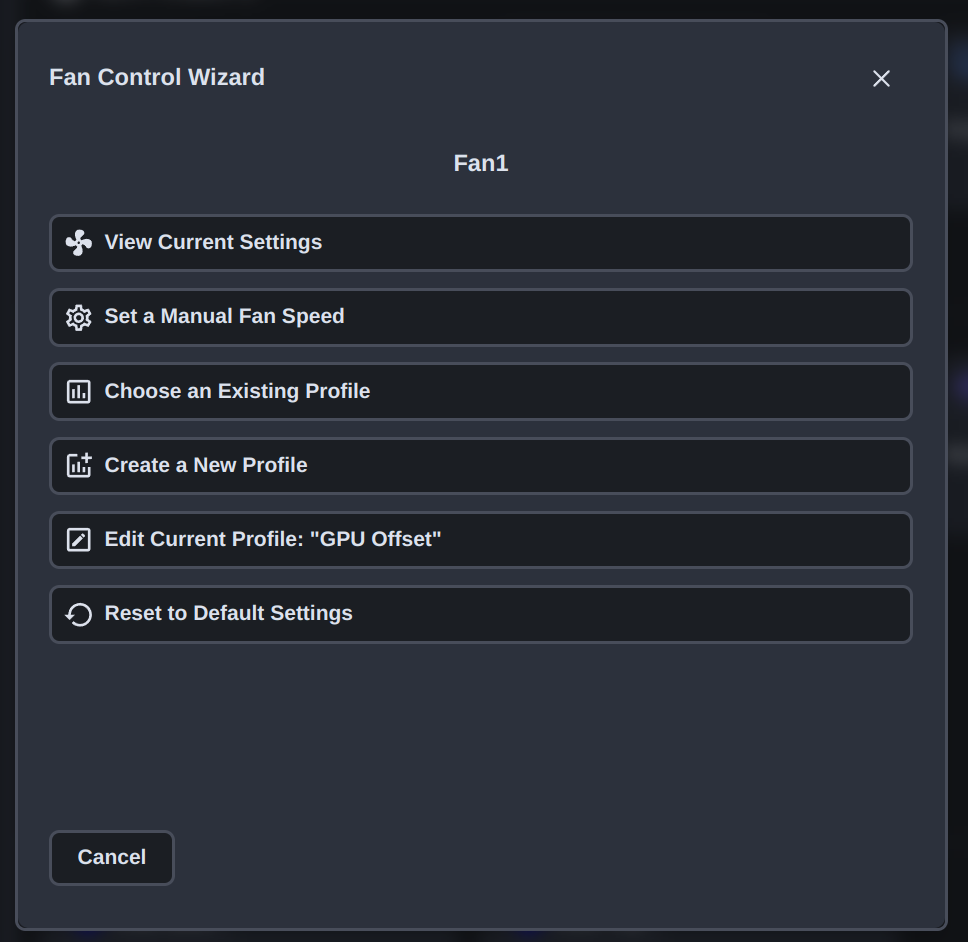
Click a channel to open its configuration. Depending on the channel type, this will either launch the Control Wizard or take you to the channel’s settings page.
TIP
For fans, you’ll usually want to apply a profile. See Fan Profiles to get started.
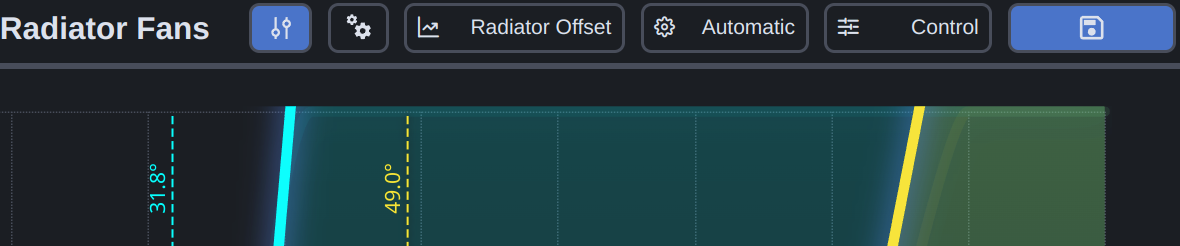
The fan channel settings page typically includes:
- Control/view mode
- Manual or automatic control
- Profile selection
- Device Channel Settings
- A button to open the Control Wizard
- A button to apply/save changes
See Also
- Profiles - Create profiles to automate fan behavior
- Functions - Fine-tune response timing and hysteresis
- Dashboards - Visualize sensor data to verify your setup
- Control Flow - Understand how profiles chain together