
📈 Profiles
Profiles let CoolerControl automatically apply fan settings based on your chosen logic. Different profile types cover common use cases, from simple fixed speeds to advanced curves and blends.
Use the Create Profile quick link to add a new profile of any type:
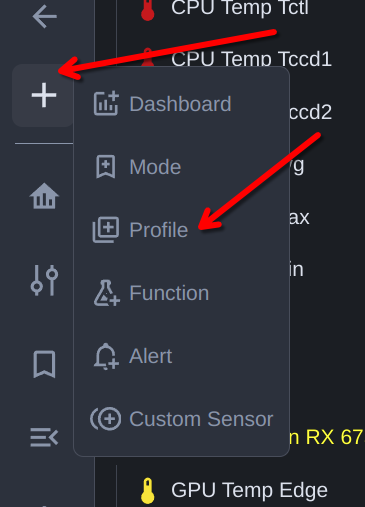
Fixed Profile
Applies a single fixed speed (good for testing or quiet, constant operation).
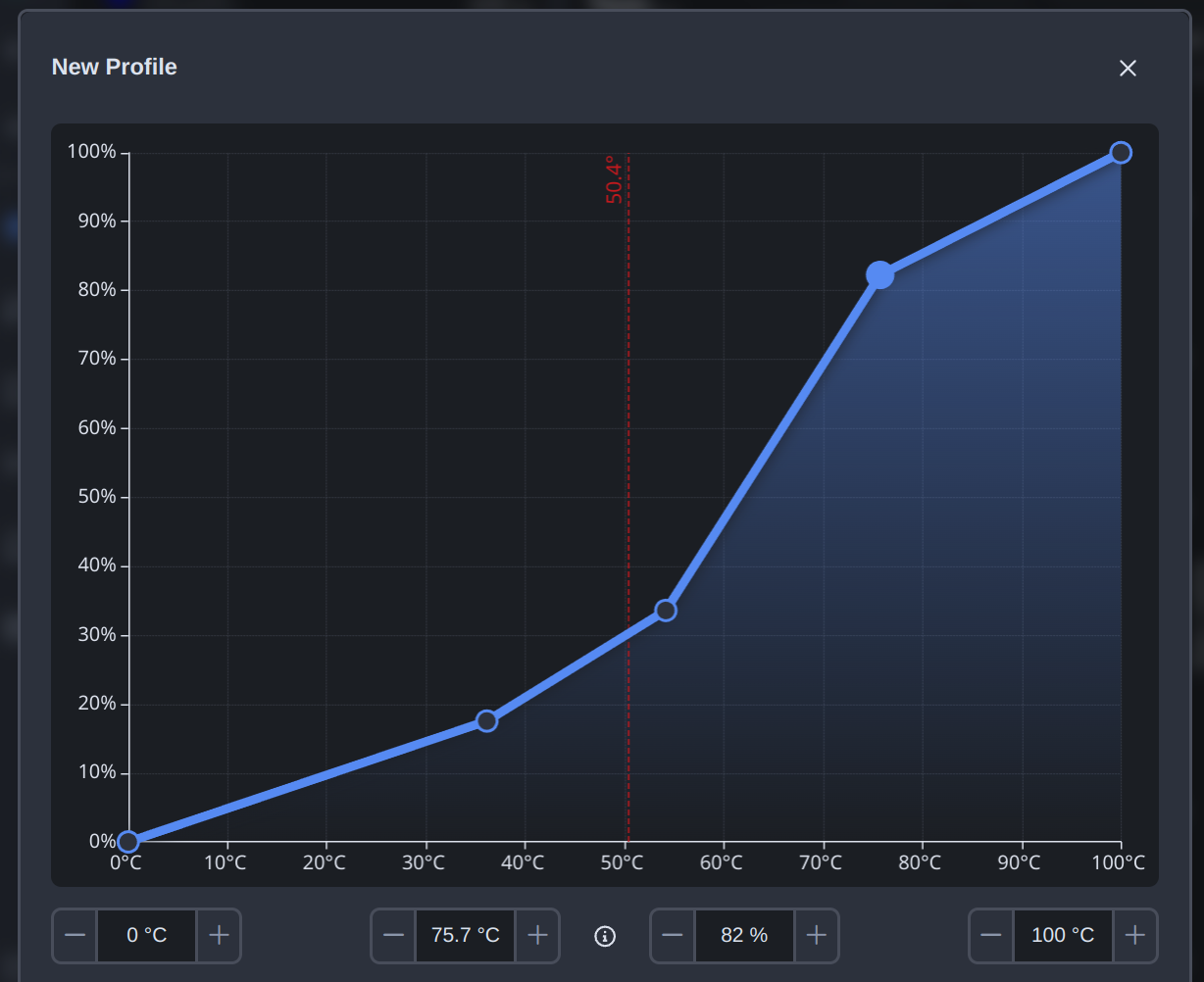
Graph Profile (most-used)
Applies a custom fan curve (speed vs. temperature) tailored to your hardware and noise preferences.
Mix Profile
Combines the outputs of multiple Graph Profiles. Useful when multiple components affect airflow. Example: blend a GPU curve and a CPU curve so case fans respond to whichever component is hotter.
Overlay Profile
Adds an offset on top of a Graph or Mix Profile. Helpful to fine‑tune for start/stop behavior, account for RPM differences between fans, or maintain consistent case pressure without creating multiple custom curves.
To fine‑tune how a Profile behaves, apply a custom Function to it for additional control and customization, such as hysteresis, thresholds, directionality, and response‑time tuning.
After creating a profile, you can apply it to one or many fans:
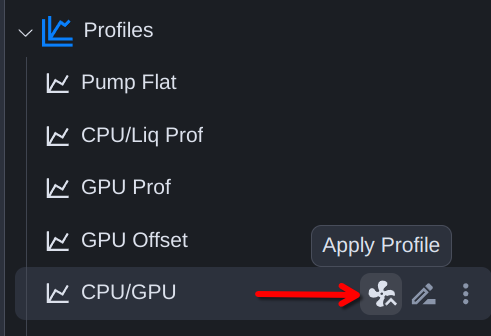
When applying a profile you can switch between Select by Channel (pick individual channels) and Select by Tag (apply to all controllable channels sharing a Tag) so you can target a logical group — such as all case fans or all radiator fans — in one step.
See Also
- Controls - Apply profiles to specific fan channels
- Functions - Add hysteresis and thresholds to any profile
- Tags - Group channels and apply profiles to a whole tag at once
- Mix Profiles - Combine multiple graph profiles
- Overlay Profiles - Layer offsets on top of a base profile
- Control Flow - See how profiles, functions, and sensors compose